Delphi DCM 3.7 IMMO Data Transfer & Full Clone
Manual Delphi DCM 3.7 services covering IMMO data decode; supported CS, PIN, MAC and power class decoding or changes; IMMO data transfer; and Full Clone preparation for compatible replacement ECUs.
Request this service ↗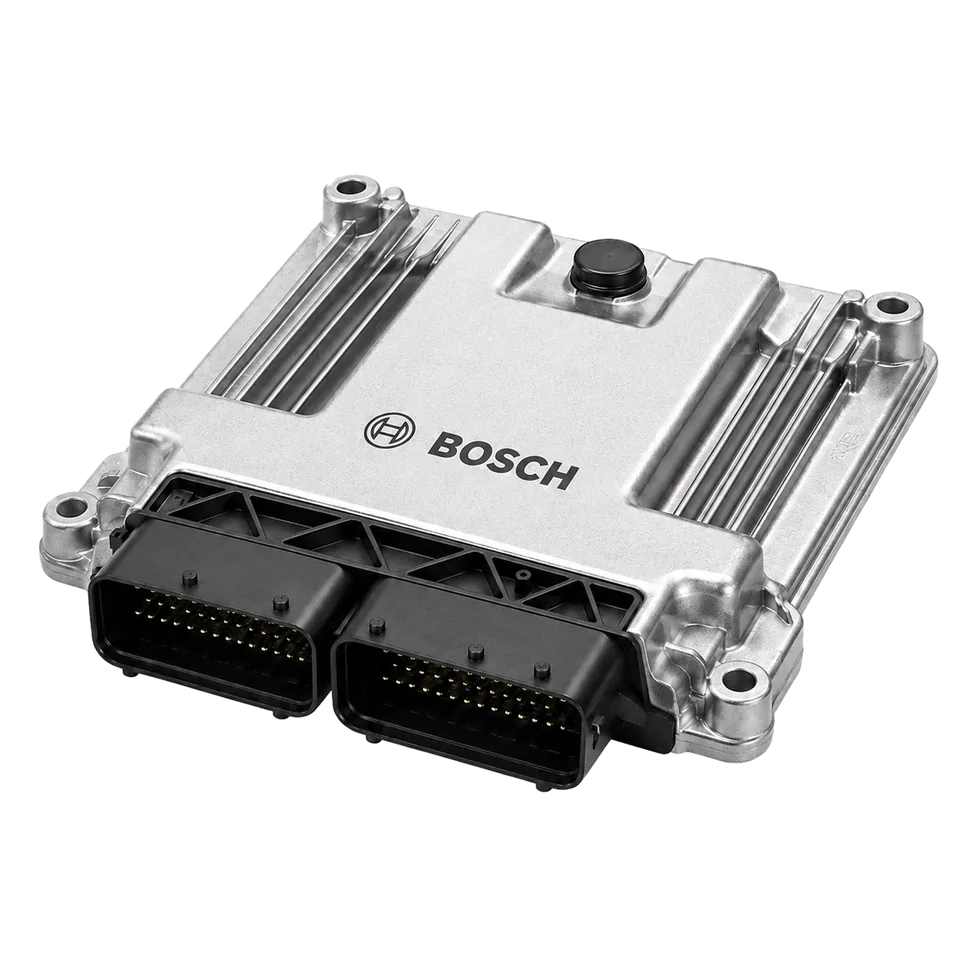 Representative hardware · verify your exact unit
What we do
We review Delphi DCM 3.7 IMMO Data Transfer & Full Clone files for the requested immobilizer-data decoding, IMMO data transfer or ECU clone. Where supported, we prepare the agreed CS, PIN, MAC or power-class changes for the identified software.
What you receive
The agreed data report or prepared ECU files, with the confirmed transfer/clone scope identified.
Compatibility & important notes
Not every ECU exposes the same security fields. File format, encryption, MCU and software determine the work available; IMMO off is a separate, specifically confirmed option.
Send your file / Contact us
Fill in the form and send — your request opens in WhatsApp ready to send to us, and a copy is saved to our admin panel.
Quick contact channels
You can message us without waiting for the form. Your messages reach our team instantly.
One file, up to 20 MB. Dashboard pilot enquiries may be submitted with unknown details; the original read, exact readings, unit and documented purpose must be confirmed before processing. Other mileage services retain their required original-file and kilometre fields. Work is performed manually by the Digisoft team. Submitting saves a request and may open a prepared WhatsApp message; it does not send that WhatsApp message automatically.