
Complex data.
Clear solutions.
From immobilizer faults to replacement controllers. We turn your original files into the next step of your repair.
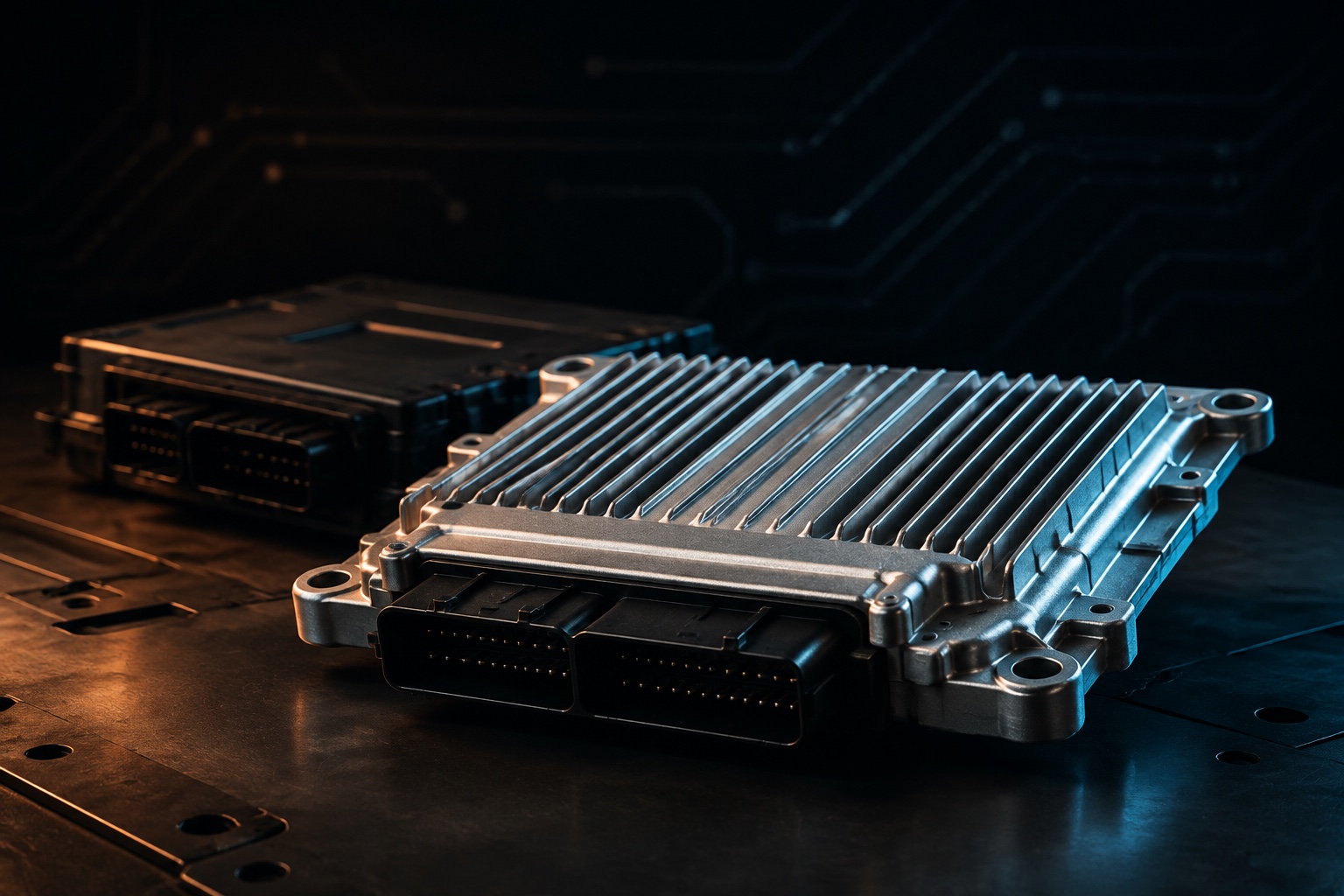
ECU · TCU · BCM · DASHBOARD
Specialist knowledge.
Applied to your repair.
Know your controller? Start here.
Search by ECU, vehicle, MCU or fault code.
What are you working on?
Start with a service family.
We’ll help you find the exact application.
VAG IMMO
Solutions.
Controller data, cloning and repair.
One carefully organised catalogue.

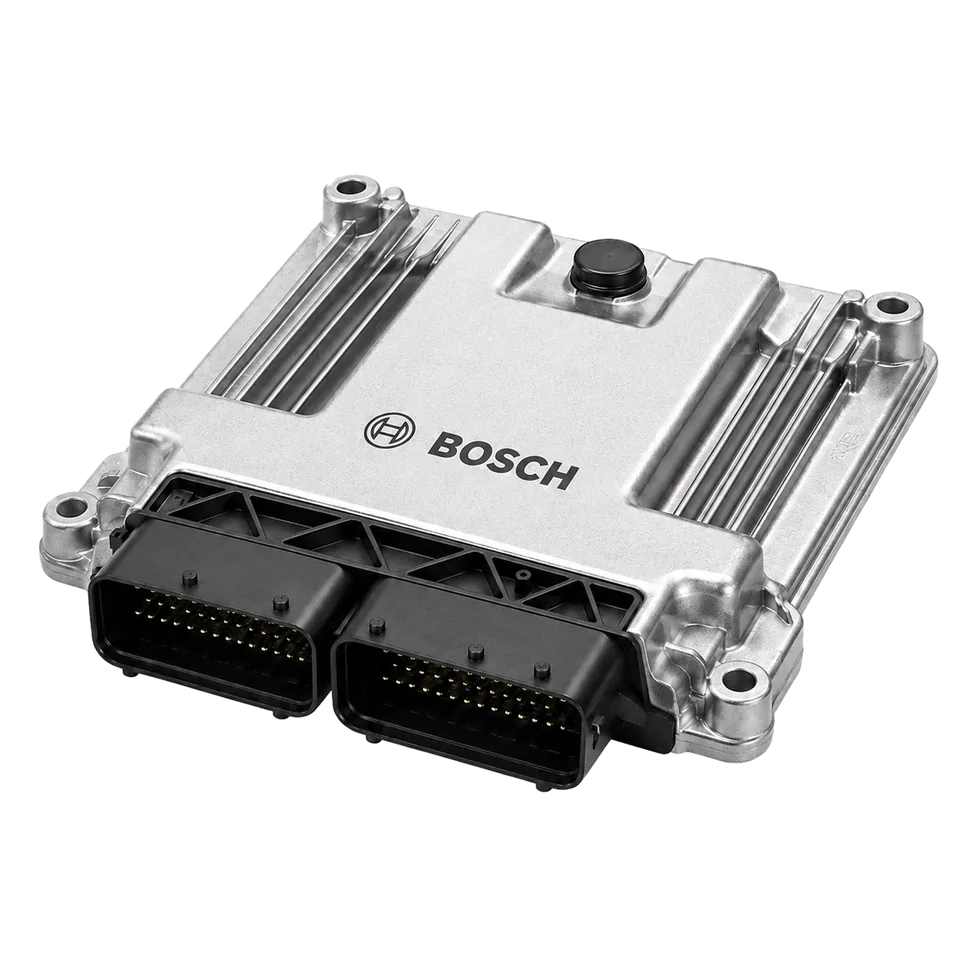


Mileage
Calibration.
Find your exact application.
Keep every technical detail in view.
applications by brand






Specific faults. Specific services.
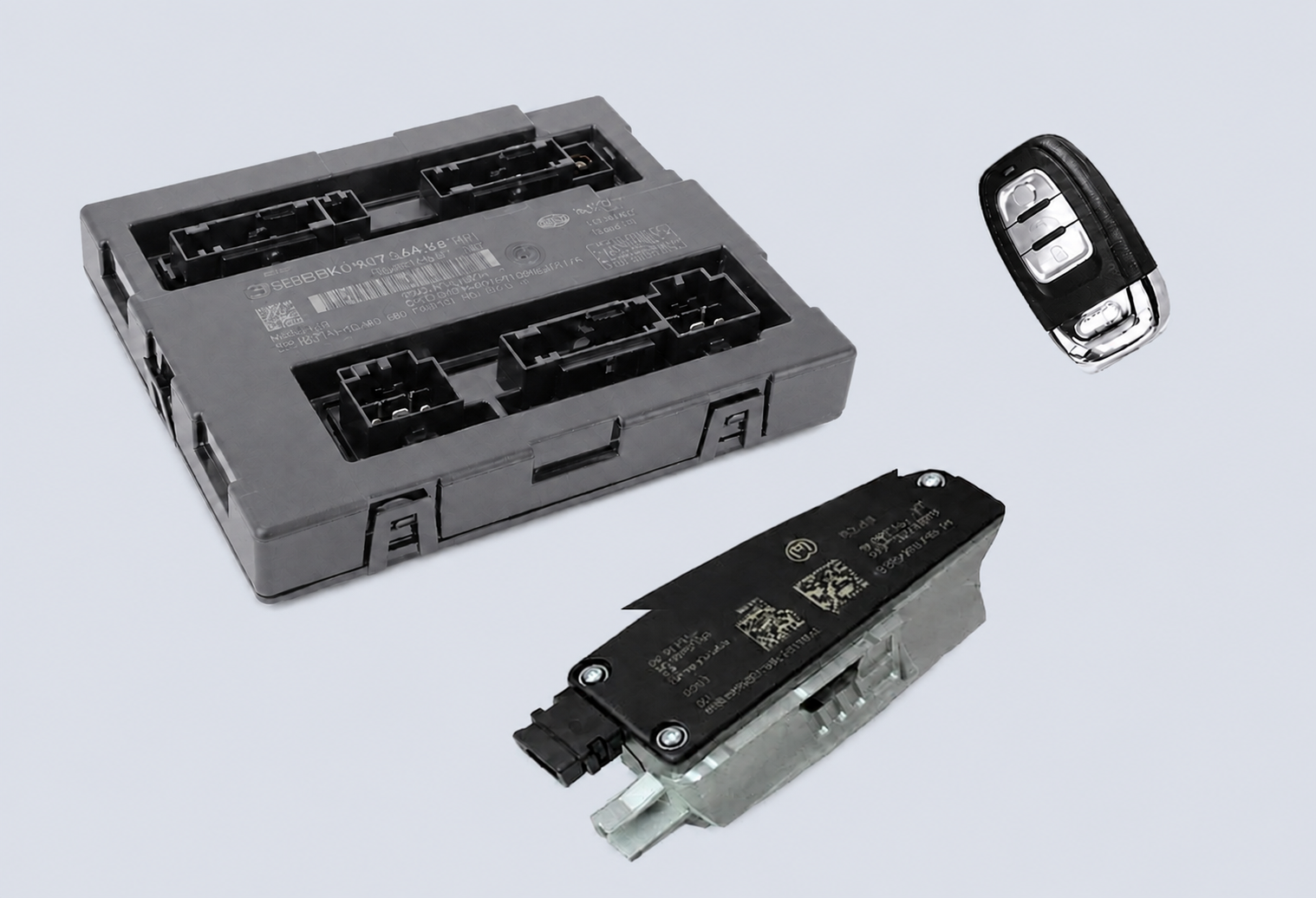
Audi BCM2 Data & Error Repair
Manual BCM2 data and error-repair service for supported file-structure faults and steering-lock conditions.
Simos 18.1 IMMO Data Transfer & Full Clone
Manual Simos 18.1 services covering IMMO data decode; supported CS, PIN, MAC and power class decoding or changes; IMMO data transfer; and Full Clone preparation for compatible replacement ECUs.
Audi DL382 Full Clone
Complete full-clone service between compatible Audi DL382 transmission control units using the required source-controller data. The exact memory and replacement scope is confirmed before processing.
Why don’t we offer automatic file processing?
Because the right file depends on more than its name.
Automation can be effective for recognised, supported files. We could offer an automated workflow too. We choose engineer-reviewed file services because control-unit software evolves, vehicles receive updates, and previous repairs or modifications can change the data we receive.
For each request, our engineers examine the supplied files, software identification and application before confirming the work. We use specialist tools where appropriate, but review the technical context before returning a prepared file.
The aim is to reduce trial and error, avoid unnecessary repeat work and give you a clear next step—not simply a processing status.
Talk through your file with usWhat this means for your job.
Illustrative situations—not guaranteed outcomes.
BCM2 / DATA REPAIRThe file is there. The data will not decode.
The situation
An incomplete, damaged or unrecognised BCM2 read may cause an automated workflow to return a message such as “Data could not be parsed.” That message alone does not explain the cause or tell you what to do next.
Our review
Our engineers examine the supplied D-Flash or EEPROM data, the reading method and available fault information. We assess whether the issue is a file-format mismatch, missing data or a potentially repairable data fault, and explain whether the next step is file work, another read or further vehicle diagnosis.
A clear assessment and a proposed next step. Recovery depends on the data available; a file service cannot resolve every hardware fault.
ECU / SOFTWARE HISTORYSame ECU family. Different software history.
The situation
A familiar ECU name does not tell the whole story. A manufacturer update, previous tuning or an earlier repair may change the starting point for the requested work.
Our review
We review the supplied file and software identification against the requested operation. Tell us about any known earlier modifications or repair attempts so we can assess their relevance, flag uncertainties and agree the correct scope before preparing a file.
Work based on the file and application presented—not an assumption that every version of an ECU is identical.
ECU & TCU / REPLACEMENTData transfer or a full clone?
The situation
Two controllers with similar names are not automatically interchangeable. Immobilizer-data transfer and full cloning can also involve different data and requirements.
Our review
We check the original and replacement-unit identification, available reads and intended result. Before accepting the work, we confirm the supported transfer scope and whether additional coding or parameter data is needed for that application.
A defined replacement-file service, with compatibility and data requirements discussed before processing.
FILE INPUT / READING METHODThe reading method matters.
The situation
A virtual read may provide a stock file matched to a software ID rather than the contents currently stored in the ECU. It may therefore not show earlier changes to the installed file.
Our review
We ask which tool and reading mode produced the file, then confirm the file type and memory areas needed for your request. If the supplied read is insufficient, we explain what additional information is required before proceeding.
Know what to provide before spending time repeating a read or submitting an unsuitable file.
Feasibility and review time depend on the controller, software and condition of the files. We confirm the scope and expected turnaround before work starts. Manual review does not guarantee that every file can be recovered or every application supported.
Your files.
Our expertise.
A manual service, with a clear scope.
No software licence to purchase.
Find your service
Choose the controller and operation. See what we need before you send anything.
Send the originals
Include original reads, part numbers and the fault or repair you need help with.
We review & prepare
We confirm compatibility and the service scope, then prepare the agreed file work.
A little clarity
before you start.
Technical work should be precise.
Finding it should be simple.
Can I ask about a service that is not listed?
Yes. The catalogue covers common requests, not the full range of enquiries we can assess. Contact us with your IMMO, ECU, TCU, BCM, dashboard, ELV or other automotive file requirement. Include the vehicle, controller identification, reading method and intended result. We confirm feasibility before accepting the work.
Does uploading a file start automatic processing?
No. Each request is reviewed by our engineers before we confirm compatibility, scope, price and expected turnaround. Service cards describe work we provide; they are not software licences or automatic processing tools.
Which files should I prepare?
Open the exact service to see its requirements. Keep an untouched backup, identify the read method and label original and replacement-unit files separately. If you are unsure, ask before sending.
Does a listed ECU mean every version is supported?
No. Exact hardware, software, MCU and read-format compatibility must be confirmed. Testing-listed options are clearly marked and need availability confirmation.
Is immobilizer transfer the same as full cloning?
Not necessarily. Immobilizer transfer moves the agreed authorization data. Full cloning may include additional coding or parameter data, depending on the controller and service. See the exact service scope.
What is the price and turnaround?
The scope, price and expected completion time are confirmed after reviewing your application and files. We do not quote a universal processing time for every controller.
Send your file / Contact us
Fill in the form and send — your request opens in WhatsApp ready to send to us, and a copy is saved to our admin panel.
Quick contact channels
You can message us without waiting for the form. Your messages reach our team instantly.
One file, up to 20 MB. Dashboard pilot enquiries may be submitted with unknown details; the original read, exact readings, unit and documented purpose must be confirmed before processing. Other mileage services retain their required original-file and kilometre fields. Work is performed manually by the Digisoft team. Submitting saves a request and may open a prepared WhatsApp message; it does not send that WhatsApp message automatically.